
If you make content for a living, you know the math. The idea takes an hour. The production takes days. Script, record, edit, review, repeat, and that’s for one video, while the algorithms demand 3+ a week.
Daksh Kumar built an agent that carries most of that production. Now a video goes from brief to finished in minutes, and CREAO’s marketing team runs the same pipeline for some of their own demos.
Daksh is CREAO’s AI Product Manager Intern. He came to the role expecting to spend most of his time writing code, and ended up shipping the voice feature to allow CREAO users to quickly build their agents. He also worked on improving CREAO’s UI, and built that video pipeline along the way. He had never made a product video before. That’s exactly why his workflow is worth studying: it assumes no production team, no editing background, and no spare days. The same conditions most solo creators work under. This is a workflow for creators who are asking a simple question: how do I make demo videos with AI fast enough to keep up, without hiring a team or learning Premiere?
I sat down with him to find out how the pipeline works, and what it actually takes to do good work when execution runs on AI.
TL;DR: Daksh built an agent in CREAO that takes a brief for whatever you want to demo, returns a production‑ready script and shot plan, and feeds it into a video generation pipeline. If you’re a creator, it’s a repeatable way to make demo videos with AI: the first video took days, the tenth takes minutes. The thing being demoed happens to be software, but the workflow holds for a sponsor’s product, a course preview, or the launch video for your next digital product.

From hackathon winner to AI Product Manager Intern
Jen: Tell me how you ended up at CREAO.
Daksh: I won the CREAO track at a UC Berkeley hackathon. That’s where I met Peter, our CTO. I told him I was interested in AI automations and building alongside AI rather than just instructing it. He brought me on as an intern after that.
Jen: What did you expect the role to be?
Daksh: Engineering. I have a computer science and mathematics background, so I assumed I’d be implementing features and writing code. Which I did. I developed the voice feature in CREAO end-to-end and I am also working on iOS mobile app development.
But at a startup, you pick up whatever needs doing. I started working with the design team and got interested in UI and UX. Then the marketing team needed more product demo videos than they had hours to make, and I found myself helping with that too.
Jen: Did you have any marketing experience going in?
Daksh: None at all. I never thought I could be a marketing person. But that’s what made it worth doing. I had to figure out how to do it well, fast, with no background in it. And CREAO made that possible in a way it just wasn’t a few years ago. They told me early on: whatever part of CREAO you think you can contribute to, go do it. That openness is the part I like most about working here.
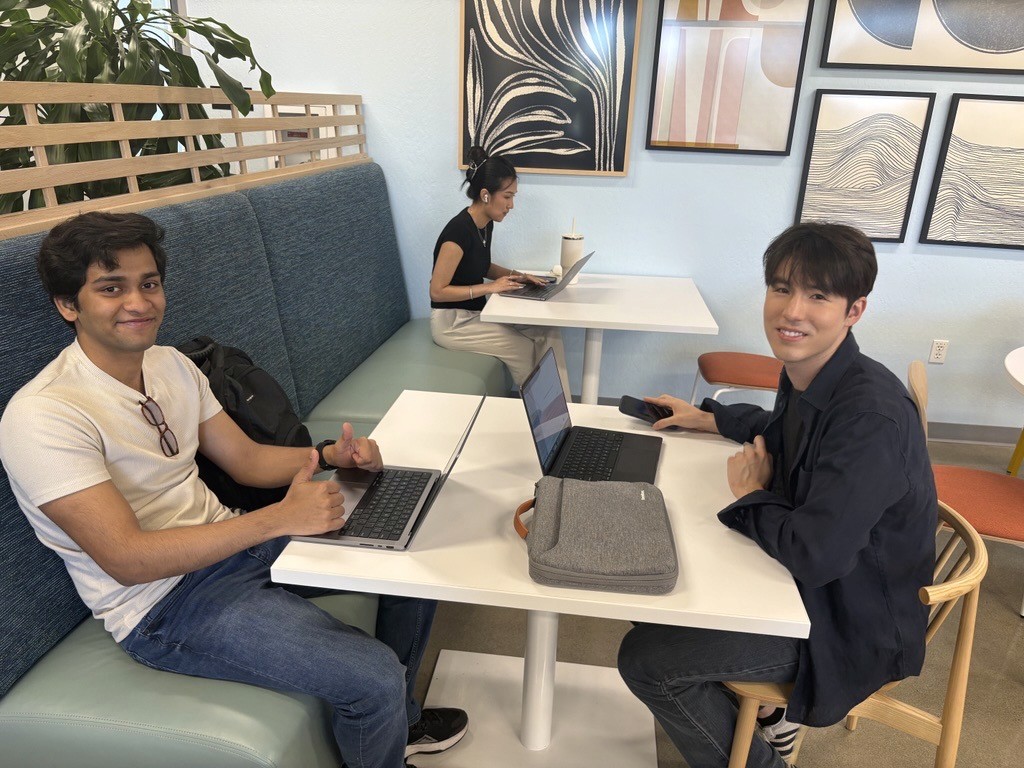
How do you make demo videos with AI when you’ve never made a video before?
Jen: Walk me through how the video workflow actually came together.
Daksh: Before the agent existed, making a product demo meant sitting down and figuring out the whole story from scratch. What the feature does, how to explain it clearly, what the shot flow should look like. That’s days of work if you’re doing it properly. For someone with no content background, it was a lot to figure out each time.
Jen: So what changed when you built the agent?
Daksh: I built an agent in CREAO that handles the structure. I give it the feature I want to demo, and it outputs the script framework, the technical explanation, and the shot flow. Then I take that and run it through CREAO’s video generation tools to produce the finished video. Production that used to take days now takes minutes.
Jen: What was the agent actually doing that you were doing manually before?
Daksh: The repetitive work. The part that used to frustrate me: give a prompt, get something back that’s not quite right, prompt again, adjust, repeat. The agent removes that loop. I decide what the story should be. The agent handles the production structure. I’m not writing the same prompt twelve times to get a usable script.
Jen: And you built it inside CREAO?
Daksh: Yes. I built it in chat, iterated on it, and now it runs whenever I need it. I don’t start from scratch for every video. The agent already remembers the format and what makes a good CREAO demo. That’s the compounding part. The more I use it, the better my starting point gets.
For anyone wondering what’s under the hood: the agent runs on GPT-5.5 for the script framework and shot plan, and the video itself is generated with Veo 3.1 Fast (the model string is veo-3.1-fast-generate-preview, if you’re building something similar).
That “already remembers” is persistent memory, the thing that separates an agent you build once from a prompt you rewrite forever. CREAO has written before about why memory is the missing layer in AI, and Daksh’s pipeline is what it looks like in practice: the tenth video starts further ahead than the first one did.
What does it actually feel like to work at an AI-native company?
Jen: People say “AI-native” a lot. What does it mean in practice, day-to-day at CREAO?
Daksh: The default question at CREAO is “how does AI do this faster?” That shifts how you approach a task before you even start. You stop planning for the long version and look for the fast version. It makes experiments cheap because feedback comes back in hours instead of weeks.
Jen: Is that hard to adjust to coming from a traditional engineering background?
Daksh: It’s mostly a mental shift. You have to be willing to learn, and you have to ask what AI can do at each step before assuming you’ll do it manually. At CREAO, AI is woven into every workflow as the default method. The people who move fast are the ones who ask that question first.
Jen: What skills actually matter in that kind of environment?
Daksh: Willingness to learn, first. Then the ability to work fast and get the best result in the shortest time. Knowing how to use AI to produce better output matters more than being the best software engineer in the room. That’s the skill that compounds. Fast learning. Best result. Short time.
Jen: Is that something you can teach, or do people either get it or they don’t?
Daksh: I think anyone can learn it. The students and engineers who struggle with this are usually the ones who want to master every tool before using it. At CREAO, you learn by doing. You try something, it works or it doesn’t, you adjust. AI accelerates that feedback loop fast enough that you improve faster than you expect.
What is loop engineering, and where do you think AI-native work is heading?
Loop engineering sounds abstract until you attach it to something concrete like a demo video: you define “shippable demo” as the outcome, and the agent keeps iterating scripts and shots until it hits that bar.
Jen: What are you most interested in right now in how AI is developing?
Daksh: Loop engineering. The idea that you define an outcome and an AI agent runs continuously, researching, building, testing, adjusting, until the outcome is reached, without step-by-step prompting. CREAO’s self-healing agent harness already works this way: agents detect failures and keep moving toward the outcome. I think the whole field is moving that direction. Agents that operate on longer-horizon tasks without waiting for instruction at each step.
Jen: And beyond AI work, what does AI make possible that you’re genuinely excited about?
Daksh: Space. I think AI is going to change what’s possible in space exploration faster than most people expect. Mars is a real conversation by 2050.
Jen: Would you go?
Daksh: For sure.
The volume game is brutal, and it’s often won on production speed. Creators who can keep up learn the same thing Daksh did: build the agent for the repeatable work. He took a workflow that consumed days, built something that carries it, and didn’t stop there. That’s what it looks like when production stops being the bottleneck and starts being the thing that runs.
Want this pipeline for your own channel? See what CREAO’s video agents do for creators →
Behind the Agents is an interview series with the people building and working at CREAO. Read the earlier conversations in Related Reading.
Related Reading
FAQ
How do you make a demo video with AI?
The most repeatable approach is building a reusable agent rather than prompting a video tool from scratch each time. Give the agent the thing you want to demo and the story you want to tell, it returns a script and shot plan, then that output runs through a video generation tool. On CREAO, that full loop from brief to finished video takes minutes, and the agent remembers your format between runs so each video starts further ahead.
Can you make demo videos with AI if you have no video experience?
Yes, and that's most of the point. The parts that used to require experience, structuring the story, writing the script, planning the shots, are the parts AI now handles. What you bring is knowledge of your subject and judgment about what matters to your audience. Daksh shipped his first professional demo videos with zero content background.
What are AI video agents for creators?
AI video agents are reusable workflows that handle the production side of video: script structure, explanation, and shot flow, generated on demand from a brief. Creators use them for sponsor product demos, course previews, and launch videos, keeping the creative judgment while the agent carries the repetitive production work.
What AI models are used to make demo videos?
A typical stack pairs a reasoning model for the script and shot plan with a video generation model for the footage. The pipeline in this post runs GPT-5.5 for scripting and Veo 3.1 Fast (veo-3.1-fast-generate-preview) for generation, orchestrated through a CREAO agent. The models are swappable; the reusable agent is what makes the workflow repeatable.
What is loop engineering in AI?
Loop engineering is an approach where you define an outcome and an AI agent runs continuously, researching, building, testing, and adjusting, until that outcome is reached without step-by-step human prompting. It's a step beyond assistant-style AI toward agents that handle longer-horizon tasks with minimal hand-holding.