What is an AI agent?
An AI agent in CREAO is a reusable workflow built from a successful chat session. Instead of re-prompting the same task every time, you save it as an agent you can run again with different inputs. The agent keeps the workflow that worked, so each run is consistent.
Agents are the durable counterpart to chat. A conversation solves a problem once; an agent turns that solution into something you (or your team) can run on demand or on a schedule, with structured inputs, version history, and its own files.
How to create an agent
You do not build an agent from scratch. You run a task in chat, then promote the session that worked into a reusable agent.
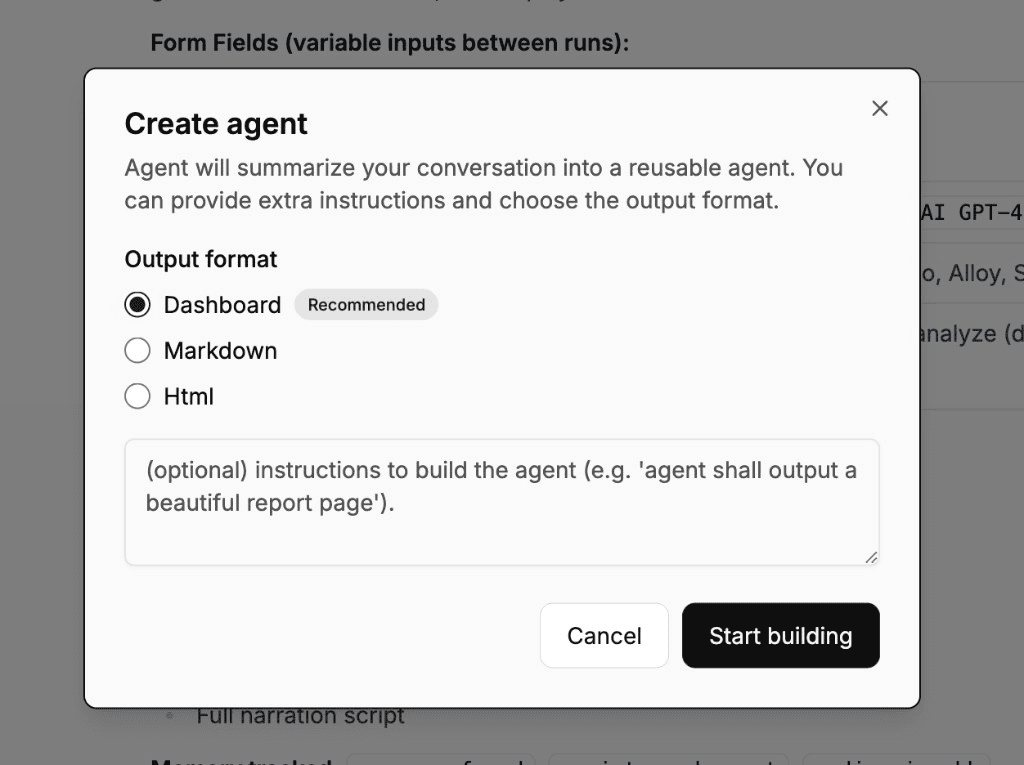
Input forms
CREAO automatically generates an input form based on your original prompt, so each run is parameterized. If the original session was a weekly marketing report, the agent might expose fields like team name, report type, topic, and time period. Each run fills in the fields and executes the same workflow with new values, using text inputs, dropdowns, and file uploads.
Versions and refinement
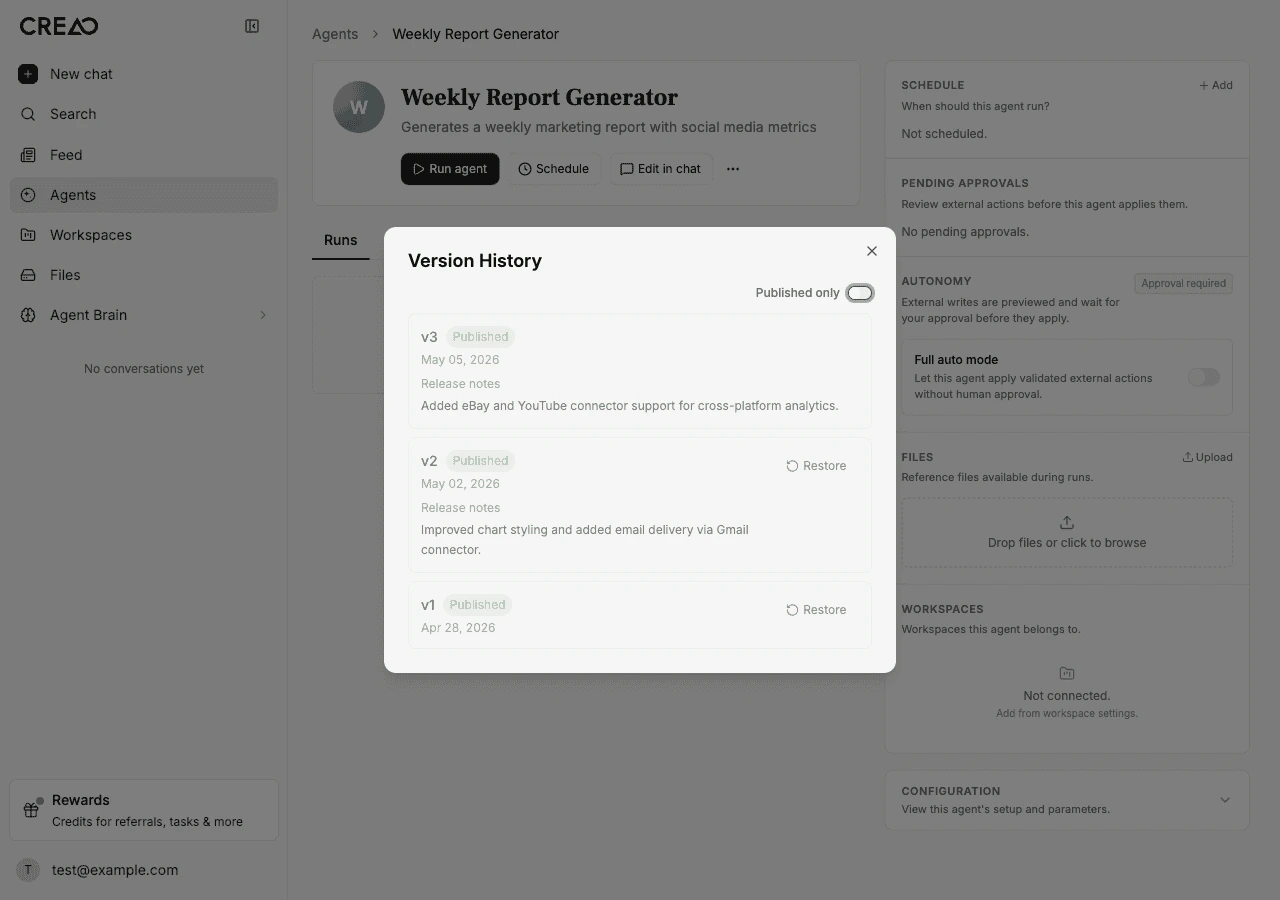
You refine an agent by sending follow-up messages in chat. Each follow-up creates a new version automatically, and the previous version is preserved, so you never lose a configuration that worked.
Every version captures the full setup: input fields, output format, execution instructions, and attached files. From version history you can read auto-generated release notes, publish a version, restore an earlier one, download any version as a ZIP, or pull updates from an upstream source agent.
Reference files
Each agent has a Files tab: a manager for reference material the agent reads on every run, such as templates, datasets, images, or configuration. Files are attached automatically during creation or uploaded by hand (up to 10 MB each, 50 files per agent).
At run time, attached files are mounted into the sandbox at predictable paths, and the agent receives a manifest (app-files.json) mapping each display name to its path. That is how a report generator reuses a branded template, or a data analyzer reads a fixed dataset, every single run.
Running and sessions
The Agents page is your control surface. Each card shows last-run status and the next scheduled run, refreshing every 30 seconds, with a persistent Run button so you can launch directly from the list. If an agent needs inputs, a dialog collects them first.
Every run is recorded in the Sessions tab with inputs, outputs, status, and a link to the full thread. Agents created with the Dashboard format render an interactive dashboard of KPI cards, charts, and tables on every run, with a consistent layout where only the data changes.
Sharing and installing
You can share any agent you created with a direct install link from its version history. The recipient sees a preview with the name, description, and avatar, and an Install button that copies the agent into their own account. Installed agents show their source, and the recipient gets an independent copy they can customize and run without affecting the original.
Write autonomy and approvals
When an agent connects to external services like email, messaging, or marketplaces, some actions have real-world consequences. Write autonomy classifies every tool call and controls how it is handled.
Each agent has an autonomy setting: approval required (the default), where write and destructive actions pause for an approval card you can Approve and Apply or Reject; or full auto, where write actions fire immediately with an audit record. Full auto is powerful but has no undo for actions like sending an email, so use it with care. Read-only actions are never gated.
Agents vs dynamic workflows
Agents and dynamic workflows are complementary. A dynamic workflow is ad hoc: you describe a goal and run it once. An agent packages a repeatable process with structured inputs you can re-run, and can be put on a schedule. Rule of thumb: if you would run the same request again with different inputs, build an agent; if it is a one-time push, run a dynamic workflow.
AI agent use cases
Best practices
Start from a working prototype. Get the task right in chat first, then save it as an agent. A clean session produces a cleaner agent.
Iterate with follow-ups. Each refinement creates a version, so you can improve an agent over time without risk: restore an earlier version if a change does not work out.
Attach the fixed material. Put templates, datasets, and style guides in the Files tab so every run reads the same reference material.
Keep approvals on for external actions until you trust the workflow, then move to full auto where the consequences are acceptable.